How It Works
Client intelligence that runs while you work.
ClientBloom watches every active client relationship, scores its health, and surfaces alerts before a client goes quiet or cancels. No surveys, no manual check-ins, no guessing.
See it in action
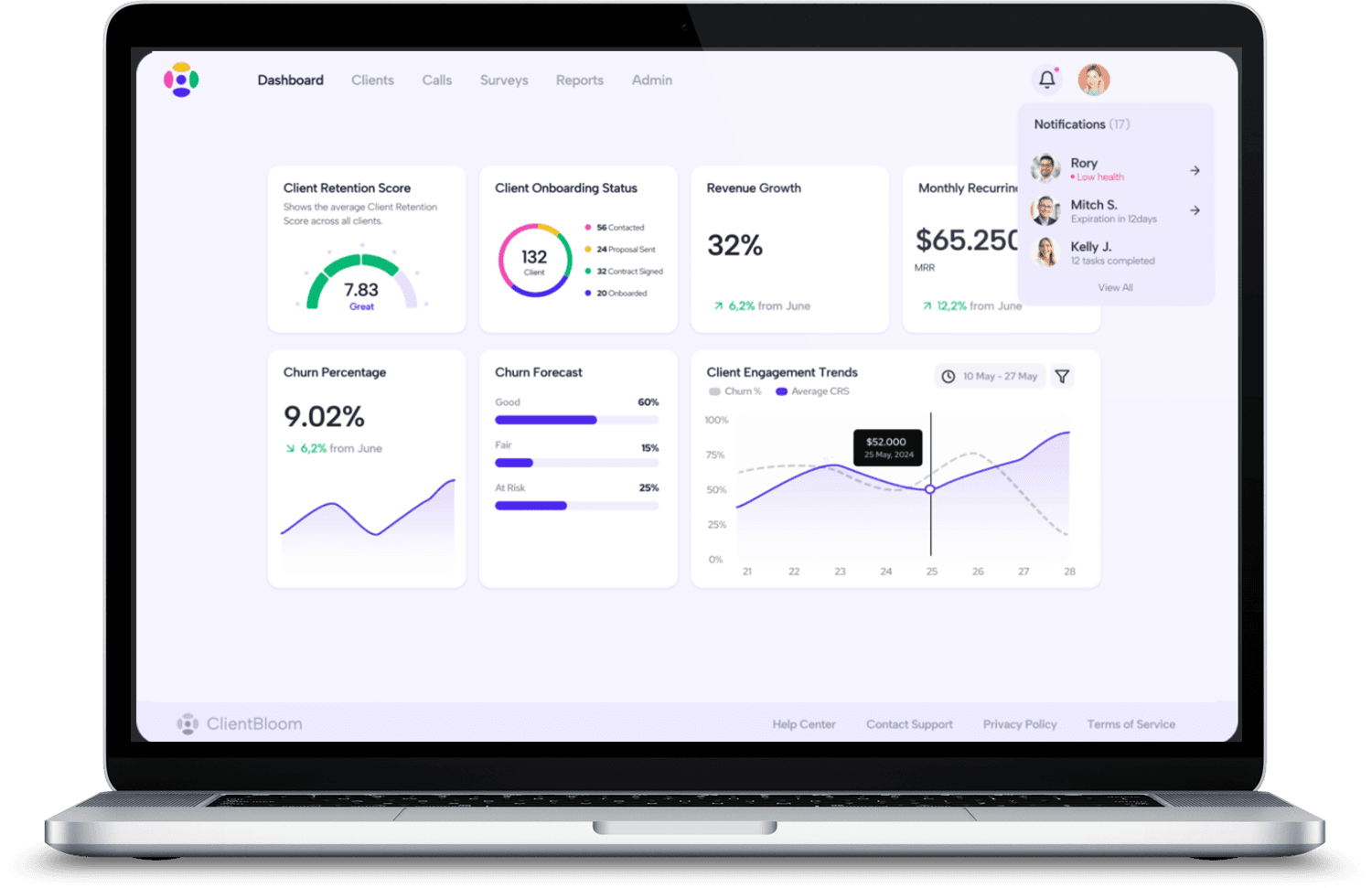
A live view of every client relationship
Take the self-guided product tour and click through the dashboard, the Client Retention Score, and the Business Intelligence Agent at your own pace.
The Score
One score for every client relationship
The Client Retention Score turns the everyday signals your tools already produce into a single number from 0 to 10 for every active client, updated continuously so it always reflects where the relationship stands right now.
The score reads signals across
7.5 – 10
Healthy and engaged. Keep the momentum going.
5.0 – 7.4
Some signals warrant attention. A proactive check-in is smart.
0 – 4.9
Retention is in danger. Time to step in before the relationship breaks.
The Process
From setup to your first alert in about two weeks
Setup is fast, and the system runs itself after that. It is built for service businesses that do not have time to manage yet another platform.
Connect your tools
Link the platforms you already use, from your CRM to billing to meetings. ClientBloom reads your data in read-only mode. Nothing changes in your existing systems.
ClientBloom learns your clients
In the first couple of weeks, the system builds a picture of what healthy looks like for each active client and gives everyone their first Client Retention Score.
Scores stay current
Every relationship is scored continuously, not once a quarter and not after a survey. As things change, the score changes with them, so it always reflects where the relationship stands now.
Alerts surface risk early
When a client's score slips past your threshold, you get a retention alert, typically well before that client raises a concern or cancels. That window is your chance to act.
Ask the BI Agent anything
The BI Agent is always on. Ask which clients are trending down or what to focus on today, and it answers in plain English, grounded in your real client data.
Two Ways to Work
Dashboard or BI Agent, your choice
Analytics Dashboard
A full visual overview of your entire client portfolio: a health score for every active client, churn forecasts, engagement trends, and portfolio-wide health, all in one view.
- Portfolio-wide score overview
- Churn probability forecast
- Engagement trend charts
- At-risk client watchlist
BI Agent
A plain-English intelligence interface for your portfolio. Ask anything and get a direct answer grounded in your real client data.
Integrations
Connects to the stack you already run
ClientBloom does not replace your tools, it reads from them, pulling your CRM, billing, meetings, and communication into one picture of every client.
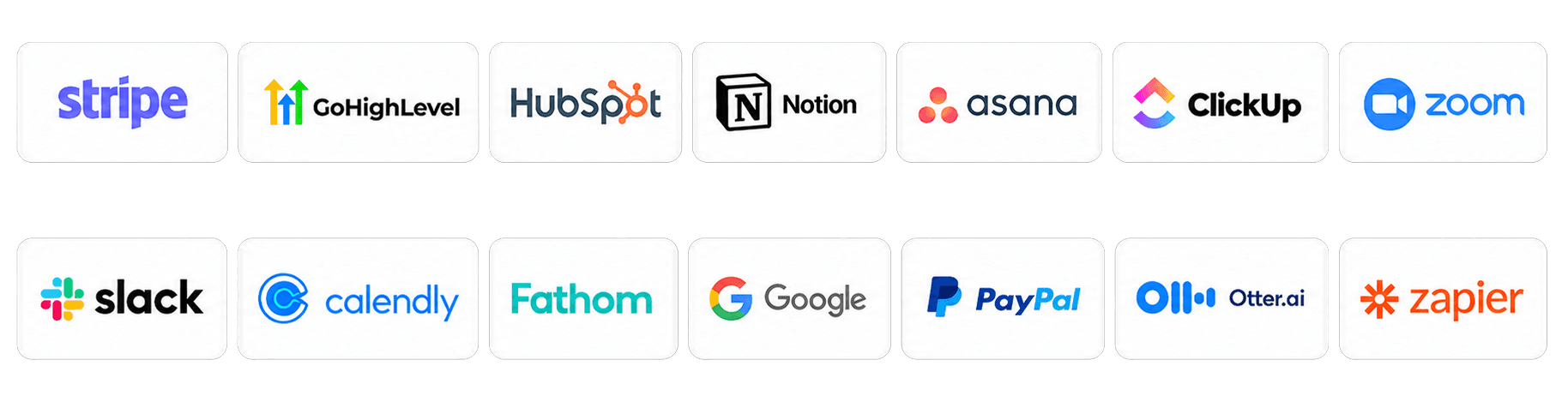
Don't see your tool? Most platforms connect via Zapier, and we wire up the rest during the Installation.
See it working on your own clients.
ClientBloom is configured to your business during the Installation. Book a call and we will map the right path for your team.