
Best Onboarding Tools to Reduce Client Churn in 2026
Onboarding tools are what separate service businesses that keep clients for years from the ones that quietly lose them inside the first 90 days. Specifically, these systems track every milestone a new client needs to hit, flag stalled handoffs before they turn into complaints, and give account teams one shared view of who's thriving and who's at risk. In this guide, you'll learn exactly what onboarding tools do, which features actually move the retention needle, what they typically cost, and how to roll one out without ripping apart the CRM your team already depends on. By the end, you'll have a complete framework for choosing — and successfully implementing — the right onboarding platform for your business.
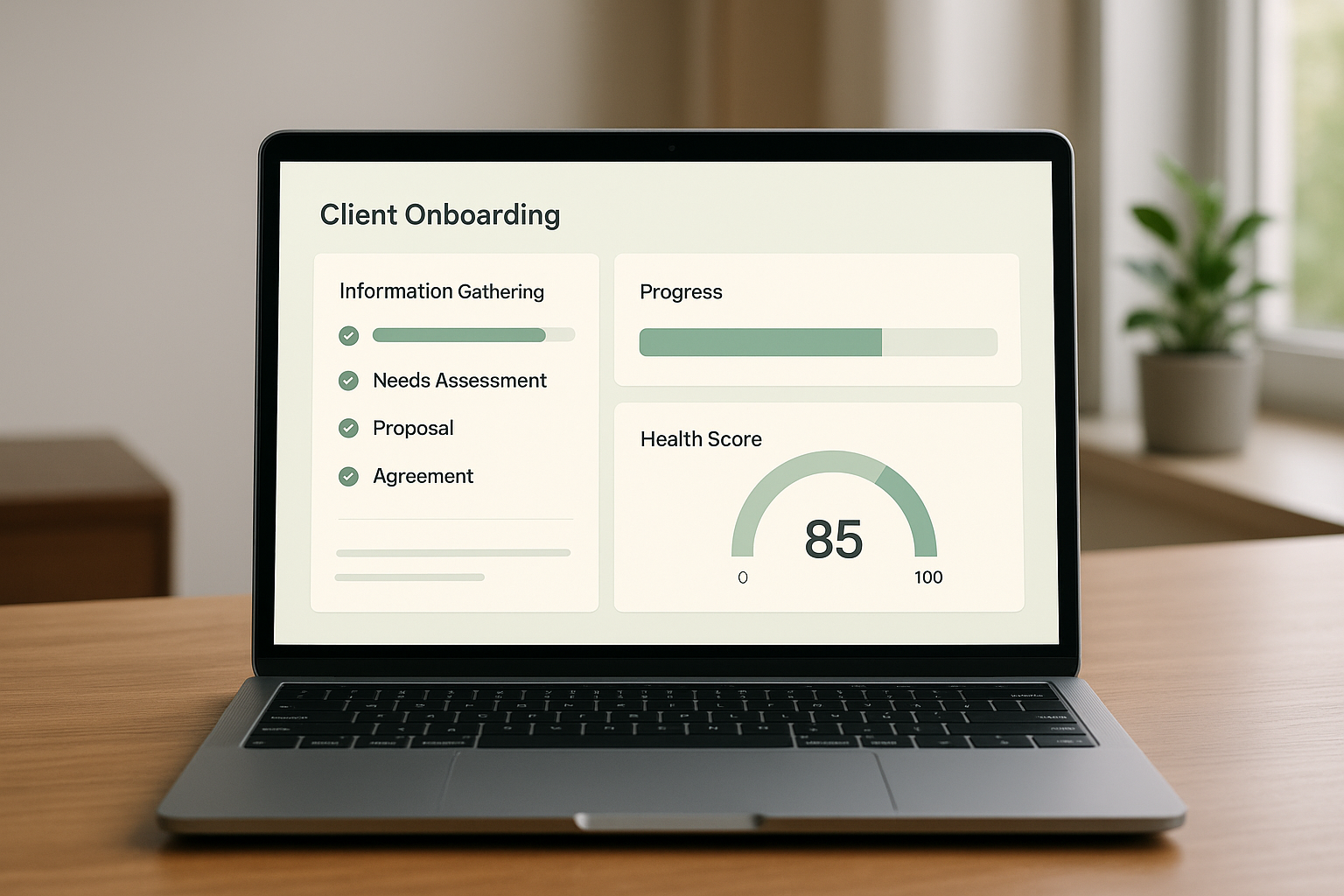
Modern onboarding tools turn scattered checklists into a single, trackable dashboard.
What Are Onboarding Tools?
Onboarding tools are software systems — or features built into a larger platform — that guide new clients through their first weeks with a business, track milestones automatically, and alert teams the moment a client needs attention. In practice, they replace scattered spreadsheets and sticky notes with a single source of truth for every new relationship.
The broader concept of onboarding, as described on Wikipedia, originally referred to integrating new employees before the term expanded into client and customer relationships. For service businesses — marketing agencies, consultancies, coaching practices — onboarding tools typically connect to a CRM, a billing system, and a meeting scheduler so account managers see the full picture in one place. As a result, nothing slips through the cracks during the period when churn risk runs highest.
It's worth noting that "onboarding tools" is a broad category. Some products are built for SaaS product onboarding (walking end users through a new app), while others are built for client or service onboarding (guiding a human relationship through its first deliverables). This guide focuses on the latter, since that's where service businesses lose the most revenue to preventable early churn.
Why the Right Onboarding Software Reduces Client Churn
Client retention research consistently shows that small improvements in retention lead to outsized profit gains. Indeed, Bain & Company's well-known analysis found that increasing customer retention rates by just 5 percent can increase profits by 25 percent to 95 percent, depending on the industry (bain.com). Consequently, a weak onboarding experience that drives early churn quietly erodes revenue long before a renewal conversation ever happens.
The takeaway: most churn isn't decided at renewal. It's decided in the first 30 days, long before anyone schedules a "check-in" call.
Good onboarding software closes that gap by tracking milestones automatically and flagging stalled accounts before they go quiet. For example, if a client hasn't completed a kickoff call within the expected window, the system can trigger an alert instead of waiting for a frustrated email three weeks later. This proactive visibility is exactly why ClientBloom pairs onboarding tracking with a continuous client retention score, so teams see risk the moment it appears rather than at renewal time.
Onboarding Tools vs. Your CRM: Where the Line Falls
One of the most common points of confusion is where onboarding tools end and a CRM begins. A CRM, short for "customer relationship management" software, stores contact records, deal stages, and communication history. Onboarding tools, by contrast, focus narrowly on the first-30-to-90-day journey and layer milestone tracking, automated alerts, and health scoring on top of that CRM data.
- CRM: Tracks the entire customer lifecycle, from lead to renewal, across every account.
- Onboarding tool: Tracks the critical first weeks of a single new relationship in granular detail.
- Project management software: Tracks tasks and deadlines generally, without connecting that progress to relationship health.
- Client portal: Gives the client a window into their own progress, but usually lacks internal alerting for the team.
In other words, the strongest onboarding tools don't try to replace any of these systems. Instead, they integrate with them, pulling data from the CRM and billing platform so account managers never have to re-key information manually.
Key Features to Look for in Onboarding Tools
Not every onboarding platform offers the same depth. Therefore, it helps to compare options against a consistent checklist before committing a team to a new system.
- Milestone tracking: Automatically marks progress through kickoff calls, data handoffs, and first deliverables.
- Integrations: Connects to the CRM, billing platform, meeting tools, and call transcripts without duplicating data entry.
- Automated alerts: Notifies the right person in Slack, email, or text the moment a step stalls.
- Health scoring: Rolls onboarding progress into a broader view of relationship health, not just a checklist.
- Reporting: Shows leadership which accounts are on track and which need intervention, at a glance.
- Automation depth: Supports no-code workflows, often through connectors like Zapier, so teams aren't locked into one vendor's ecosystem.
In addition, the strongest onboarding tools integrate with, rather than replace, the CRM a team already relies on. Ripping out existing infrastructure usually causes more disruption than it solves — especially mid-quarter, when client work can't pause for a migration.
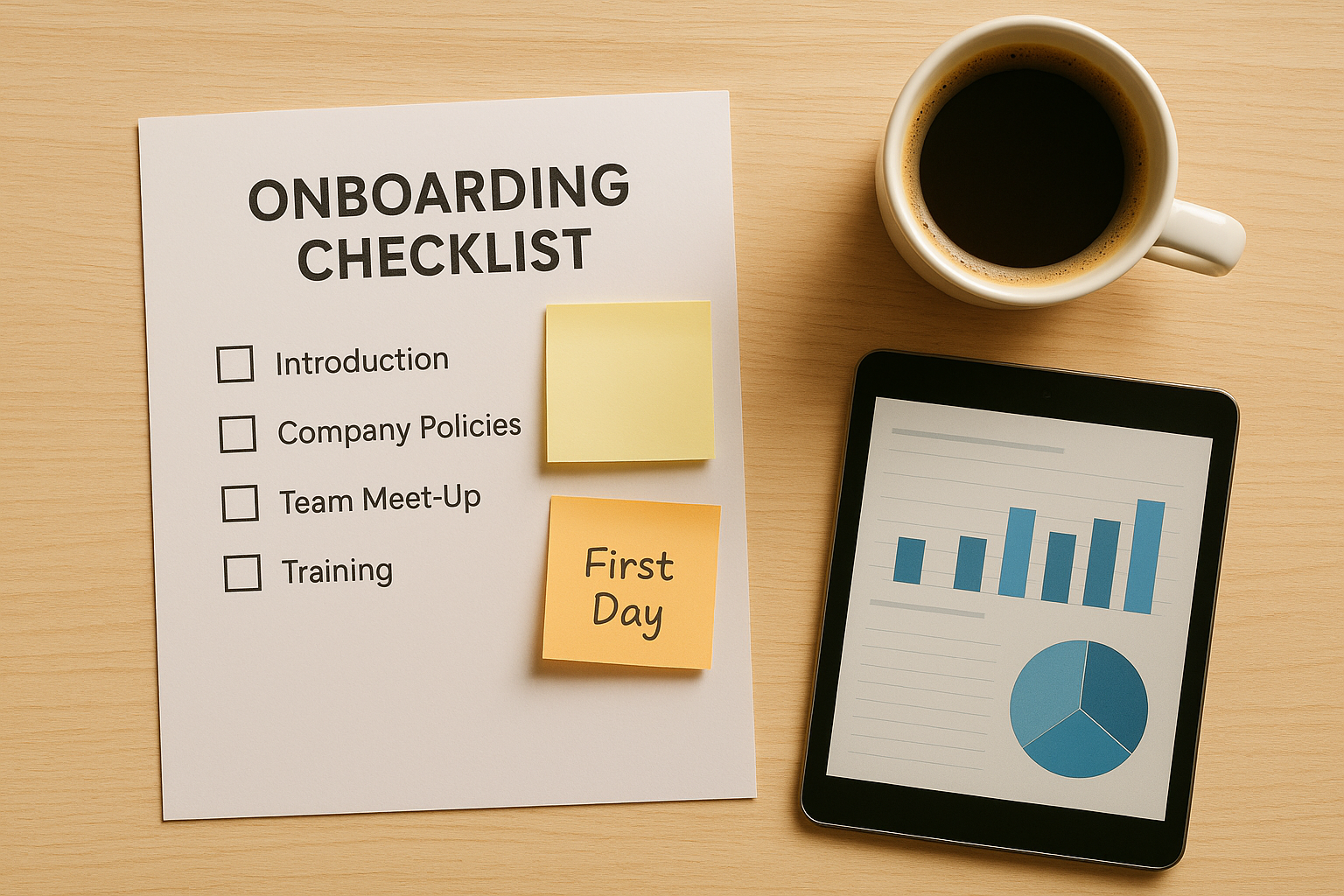
A clear checklist, backed by automation, keeps every milestone visible.
Top Onboarding Tools to Consider in 2026
Because the category spans several very different use cases, it helps to group onboarding tools by who they're built for before comparing specific products. Review sites such as G2 categorize the space similarly, splitting tools by buyer type rather than treating them as interchangeable.
- Client & service-business retention platforms: ClientBloom, Arrows, Rocketlane, and GuideCx focus on guiding a human client relationship through onboarding and tying that progress to a retention or health score.
- CRM-embedded onboarding features: HubSpot Service Hub bundles lightweight ticketing and task tracking alongside a broader CRM, which suits teams that want everything in one vendor's ecosystem.
- SaaS product onboarding tools: Appcues, Userpilot, and Chameleon are built for walking end users through a software product's UI — useful for SaaS companies, less relevant for agencies managing human clients.
- Process and training tools: Trainual documents standard operating procedures, which pairs well with onboarding software but doesn't replace milestone tracking or alerting.
Consulting firms juggling multi-phase engagements, in particular, tend to outgrow generic checklist tools quickly. If that sounds like your team, it's worth reviewing how ClientBloom supports consulting engagements directly, since longer timelines need deeper milestone sequencing than a simple to-do list can offer.
How to Implement a Client Onboarding Process in 5 Steps
Rolling out new onboarding tools works best as a structured project rather than a quiet software swap. The following sequence reflects how established service businesses typically approach it.
- Audit current onboarding gaps. Review the last 10 to 15 client onboardings to identify where handoffs break down, which milestones get missed most often, and which clients churned early.
- Map the first-30-days journey. Document every milestone a new client should hit, from kickoff call to first deliverable, so the tool has a clear structure to track against.
- Connect integrations. Link the CRM, billing system, meeting scheduler, and call transcripts so the platform works from real data instead of manual updates.
- Configure alerts and escalation rules. Set thresholds for stalled milestones and decide who gets notified, such as the account manager or team lead, when a client falls behind schedule.
- Train the team and monitor adoption. Walk client success managers through daily workflows, then review dashboard data weekly for the first month to confirm the process is sticking.
Once these steps are in place, most teams notice fewer dropped handoffs within the first full onboarding cycle. For a closer look at how this works end to end, the ClientBloom product tour walks through a live example.
Onboarding Tools vs. Manual Spreadsheets
Some teams still manage onboarding with a shared spreadsheet, and for a handful of clients, that approach can work. However, spreadsheets rely entirely on someone remembering to update them, and that assumption breaks down as a client roster grows past a handful of active accounts. The U.S. Small Business Administration notes that retaining existing customers is generally far more cost-effective than acquiring new ones, which makes the onboarding window a high-stakes period to track accurately.
By contrast, dedicated onboarding tools update automatically as integrated systems record activity, which removes the manual step most likely to fail. Similarly, spreadsheets cannot send an alert when a milestone stalls — a person has to notice, and busy account managers often don't. For service businesses managing dozens of active retainers, that gap in visibility is usually where early churn begins.
Choosing the Right Onboarding Platform for Your Team
Choosing an onboarding platform depends heavily on the type of service business doing the choosing. For instance, coaching and expert businesses often need lightweight milestone tracking paired with pulse checks, while consulting firms with longer engagements may need deeper integration with project and meeting data.
ClientBloom's solutions for coaching businesses and solutions for consulting firms illustrate how onboarding needs shift by business model, even though the underlying goal — keeping more of the revenue already won — stays the same. Agencies, in particular, often need onboarding tied to a wider client experience strategy; our AI client experience platform guide for agencies breaks down that bigger picture. Teams evaluating options should also compare alternatives directly; for example, a side-by-side look such as the ClientBloom vs. Catalyst comparison can clarify which platform fits a specific tool stack and team size.

Choosing the right onboarding tools often starts with a team workflow review.
What Onboarding Tools Cost in 2026
Pricing for onboarding tools varies widely, largely because the category spans lightweight checklist apps and full retention platforms. Generally speaking, standalone milestone-tracking tools start around $50 to $200 per month for small teams. Meanwhile, platforms that bundle onboarding with broader health scoring and retention analytics typically run from a few hundred to a few thousand dollars monthly, depending on account volume and integration depth.
- Entry-level checklist tools: Usually priced per user, with minimal integrations beyond basic calendar syncing.
- Mid-tier onboarding platforms: Add CRM and billing integrations, automated alerts, and reporting dashboards.
- Full retention platforms: Combine onboarding tracking with ongoing health scoring, often priced by account volume rather than seat count.
Above all, it's worth weighing cost against what a single saved client is worth. Since Bain's research shows retention gains compound into outsized profit, even a mid-tier onboarding platform tends to pay for itself after preventing just one or two early cancellations.
Common Onboarding Mistakes to Avoid
Even well-intentioned teams make predictable mistakes when adopting new onboarding tools. Recognizing them early can save months of wasted effort.
- Treating onboarding as a one-time checklist instead of an ongoing signal of relationship health.
- Adding a new tool without connecting it to the CRM, which creates duplicate data entry nobody maintains.
- Skipping team training, so the platform gets used inconsistently across account managers.
- Ignoring early warning signs because no one owns the escalation step.
- Choosing a tool built for SaaS product onboarding when the real need is client-relationship onboarding.
Businesses stretched thin on internal capacity sometimes consider a dedicated hire to manage onboarding and retention instead. In that case, it's worth reviewing an option like replacing a CSM hire with an always-on system before committing to additional headcount.
How to Measure Whether Your Onboarding Tools Are Working
Adopting new onboarding software is only half the job; measuring its impact is what proves the investment was worth it. According to Harvard Business Review, customer experience quality correlates directly with willingness to pay and long-term loyalty, which is exactly what strong onboarding protects.
- Time-to-first-value: How quickly a new client experiences their first meaningful result.
- Milestone completion rate: The percentage of clients hitting key steps on schedule, not just eventually.
- Early churn rate: Cancellations within the first 90 days, tracked before and after adopting new tools.
- Client health score trends: Whether average health scores climb during onboarding or stall out.
Typically, a drop in early churn within two or three onboarding cycles is the clearest sign that an onboarding platform is earning its keep.
Connecting Onboarding Tools to Your Broader Client Experience Stack
Onboarding tools shouldn't live in isolation. Instead, they work best as one piece of a connected client services stack, alongside your CRM, billing platform, and communication tools. If your current setup feels scattered across too many disconnected apps, this guide on connecting client services tools into a single source of truth walks through how to unify them without a painful migration.
For teams ready to go further and fully automate the handoff from sales to onboarding to retention, the complete 2026 guide to client onboarding automation platforms covers the next step in more depth than this article has room for.
Frequently Asked Questions About Onboarding Tools
What are onboarding tools, exactly?
Onboarding tools are software systems that track a new client's progress through their first weeks with a business, flagging milestones and risks along the way. They replace manual tracking with a shared source of truth for the whole team.
How much do onboarding tools typically cost?
Pricing varies widely, from a few hundred dollars a month for lightweight tracking software to platforms bundled with broader retention features that run several hundred to a few thousand dollars monthly. Cost usually scales with team size and integration depth.
Do onboarding tools replace a CRM?
No, most reputable onboarding tools connect to an existing CRM rather than replacing it. They pull data from contacts and deals while adding milestone tracking and alerts on top.
How long does it take to set up a new onboarding tool?
Many service businesses can configure core integrations and workflows within about a week. Full team adoption and fine-tuning typically take another 30 to 60 days.
What's the difference between onboarding tools and project management software?
Project management software tracks tasks and deadlines generally, while onboarding tools focus specifically on a client's first-30-days journey. Onboarding tools also connect that progress to relationship health signals, which project tools usually don't.
Can small service businesses benefit from onboarding tools?
Businesses managing only a couple of clients may get by with manual tracking. Once a team handles five or more active accounts, dedicated onboarding tools typically pay for themselves through reduced early churn.
What integrations matter most for onboarding tools?
CRM, billing, meeting scheduling, and call transcript integrations matter most. These connections give the platform real-time data instead of relying on manual updates from busy account managers.
How do onboarding tools reduce churn?
They surface stalled milestones and disengaged clients early, often weeks before a renewal conversation. That early warning gives teams time to intervene instead of reacting after a client has already decided to leave.
What's a common mistake when adopting onboarding tools?
The most common mistake is rolling out new software without training the team or connecting it to existing systems. That gap leads to inconsistent use and duplicate data entry nobody maintains.
Should onboarding tools include client health scoring?
Health scoring adds valuable context by showing whether onboarding progress is translating into a strong relationship, rather than just checking boxes on a milestone list. It also helps prioritize which accounts need attention first.
How do I measure whether onboarding tools are working?
Track time-to-first-value, the percentage of clients completing key milestones on schedule, and early churn rate before and after adoption. A drop in early churn within two or three onboarding cycles is a strong signal.
Are onboarding tools worth it for consulting firms?
Yes, consulting firms with longer, multi-phase engagements often benefit even more. Onboarding tools can track complex milestone sequences that are easy to lose track of manually across several stakeholders.
What's the difference between onboarding tools and a client portal?
A client portal is client-facing and shows the customer their own progress, while onboarding tools are typically internal-facing and focused on alerting the team. Some platforms, including ClientBloom, combine both views.
Can onboarding tools integrate with Zapier and other automation platforms?
Yes, many onboarding tools support no-code connectors like Zapier, which lets teams trigger onboarding workflows from form submissions, signed contracts, or payment events without custom development.
Do onboarding tools work for remote and distributed teams?
Yes, and often they matter more for remote teams. Shared dashboards and automated alerts give distributed account managers the same visibility an in-office team gets from simply overhearing each other.
What's the difference between customer onboarding tools and employee onboarding tools?
Employee onboarding tools, such as Trainual, prepare new hires for internal roles. Customer onboarding tools, the focus of this guide, guide paying clients through their first experience with a product or service. The two categories rarely overlap in features.
Final Thoughts on Choosing Onboarding Tools
Choosing the right onboarding tools ultimately comes down to visibility: can the team see, at a glance, which clients are on track and which need help right now? Service businesses that invest in dependable onboarding tools tend to catch churn risk weeks earlier than those relying on memory and spreadsheets. If you're ready to see how a connected onboarding and retention system works in practice, explore the ClientBloom tour for a closer look at how it fits into an existing tool stack.

